

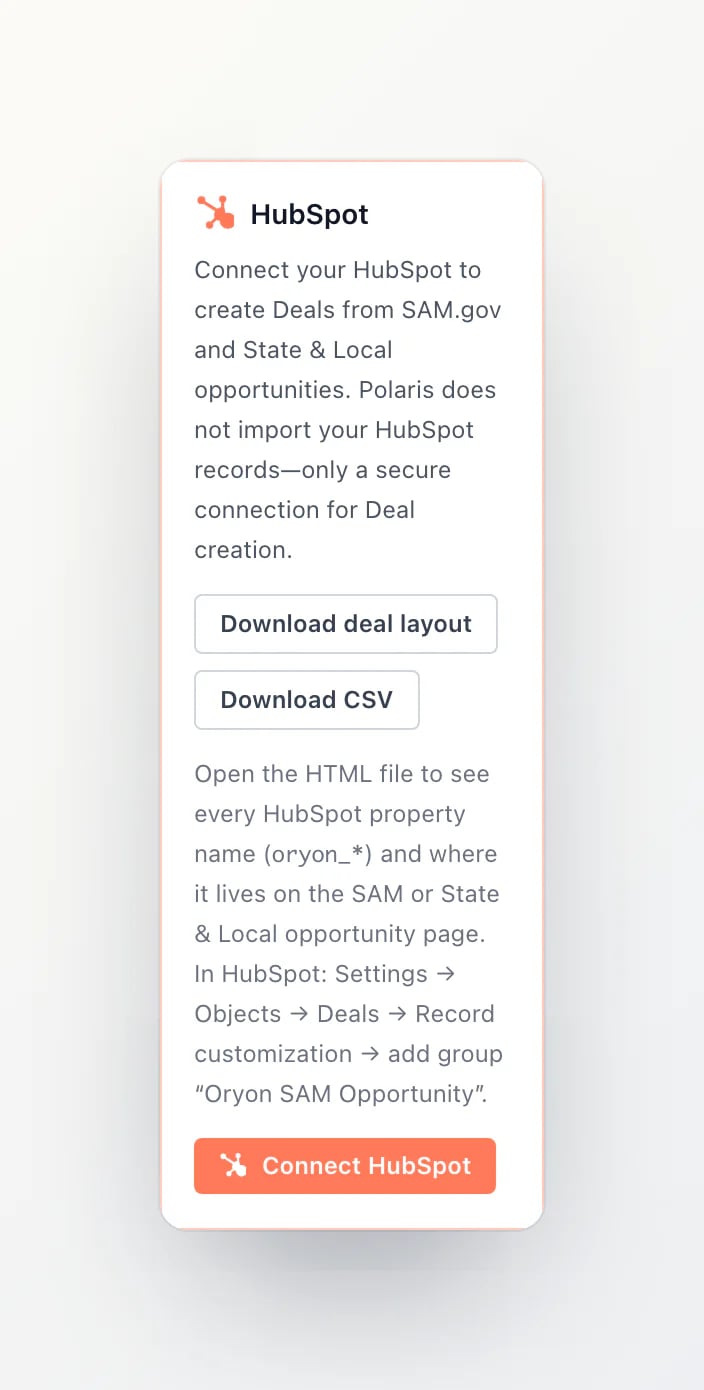
HubSpot card on your profile page
Navigator has no cap on the Deals you send to HubSpot. Lower plans may have a sending allowance. See Plans and tiers.
What does the OryonIQ HubSpot integration do?
The integration turns an opportunity you’re tracking into a HubSpot Deal, so your capture pipeline lives in the CRM your team already uses. OryonIQ copies the opportunity’s fields onto Deal properties. If those properties don’t exist in your HubSpot portal yet, OryonIQ creates them. The connection is only for creating Deals. OryonIQ doesn’t import or store your HubSpot CRM records, and you sign in on HubSpot’s official login screen, not in OryonIQ.How do I connect HubSpot to OryonIQ?
1
Open your profile
Select your avatar at the top right and choose Settings, or select Edit on your Dashboard profile card. See Profile and settings.
2
Find the HubSpot card
The HubSpot card sits in the left column, below Your Subscription.
3
Start the connection
Select Connect HubSpot. OryonIQ sends you to HubSpot’s official login screen.
4
Sign in to HubSpot
Sign in to the HubSpot account that should receive your Deals.
How do I set up the Deal layout in HubSpot?
OryonIQ stores opportunity details in HubSpot properties whose names start withoryon_. A property group in HubSpot keeps them together on the Deal record.
1
Download the deal layout
On the HubSpot card, select Download deal layout and open the HTML file. It lists every HubSpot property name (
oryon_ plus a field name) and where that field appears on the SAM.gov or State & Local opportunity page.2
Download the CSV too
The same card has a Download CSV button. Keep that file with the HTML layout.
3
Open Record customization in HubSpot
In HubSpot, go to Settings → Objects → Deals → Record customization.
4
Add the Oryon group
Add a group named “Oryon SAM Opportunity”. Use the HTML file to see which
oryon_ property holds which opportunity field.How do I send an opportunity to HubSpot?
Send to HubSpot is the orange HubSpot icon at the top right of an opportunity card, next to the star. You’ll find it on cards in these OryonIQ Polaris modules: The icon also appears on saved SAM.gov cards in My watchlists, and as a HubSpot button in the Overview panel of an opportunity’s detail page.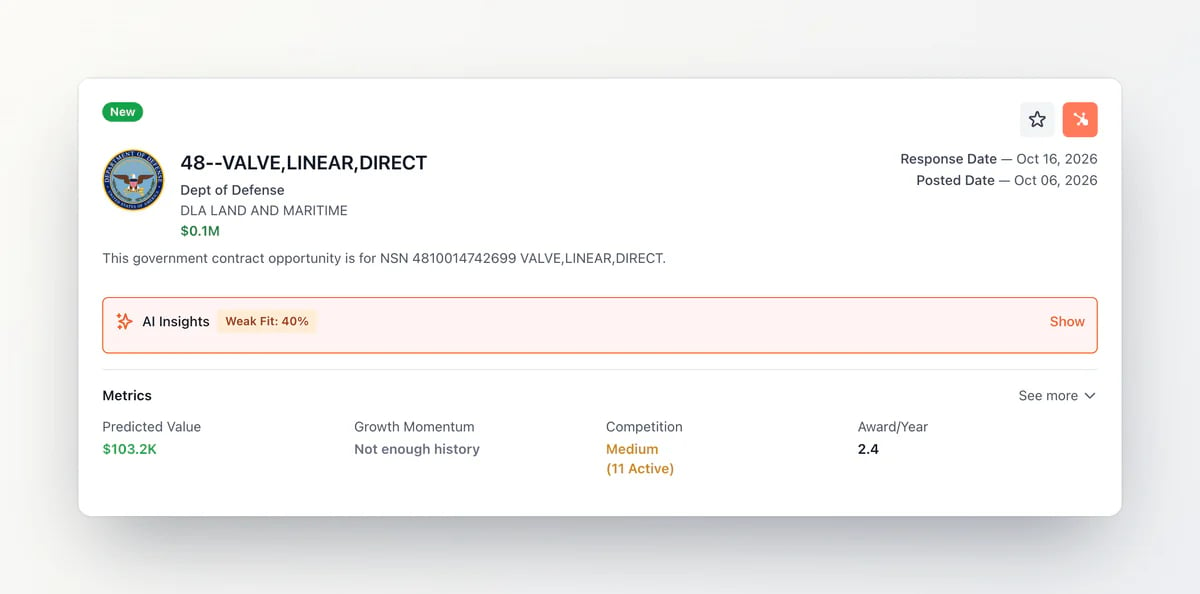
Star and HubSpot icon on a SAM.gov card
1
Pick the opportunity
Find it in one of the modules above, or open it from My watchlists.
2
Select the HubSpot icon
Select the orange HubSpot icon on the card, or the HubSpot button in the detail page’s Overview panel. The Send to HubSpot window opens.
3
Connect if asked
The first time, the window explains what OryonIQ will create and shows a Connect HubSpot button. Select it and sign in on HubSpot’s login screen.
4
Choose the pipeline and stage
Pick the HubSpot pipeline and deal stage for this opportunity, then send it. The Deal appears in your HubSpot account.
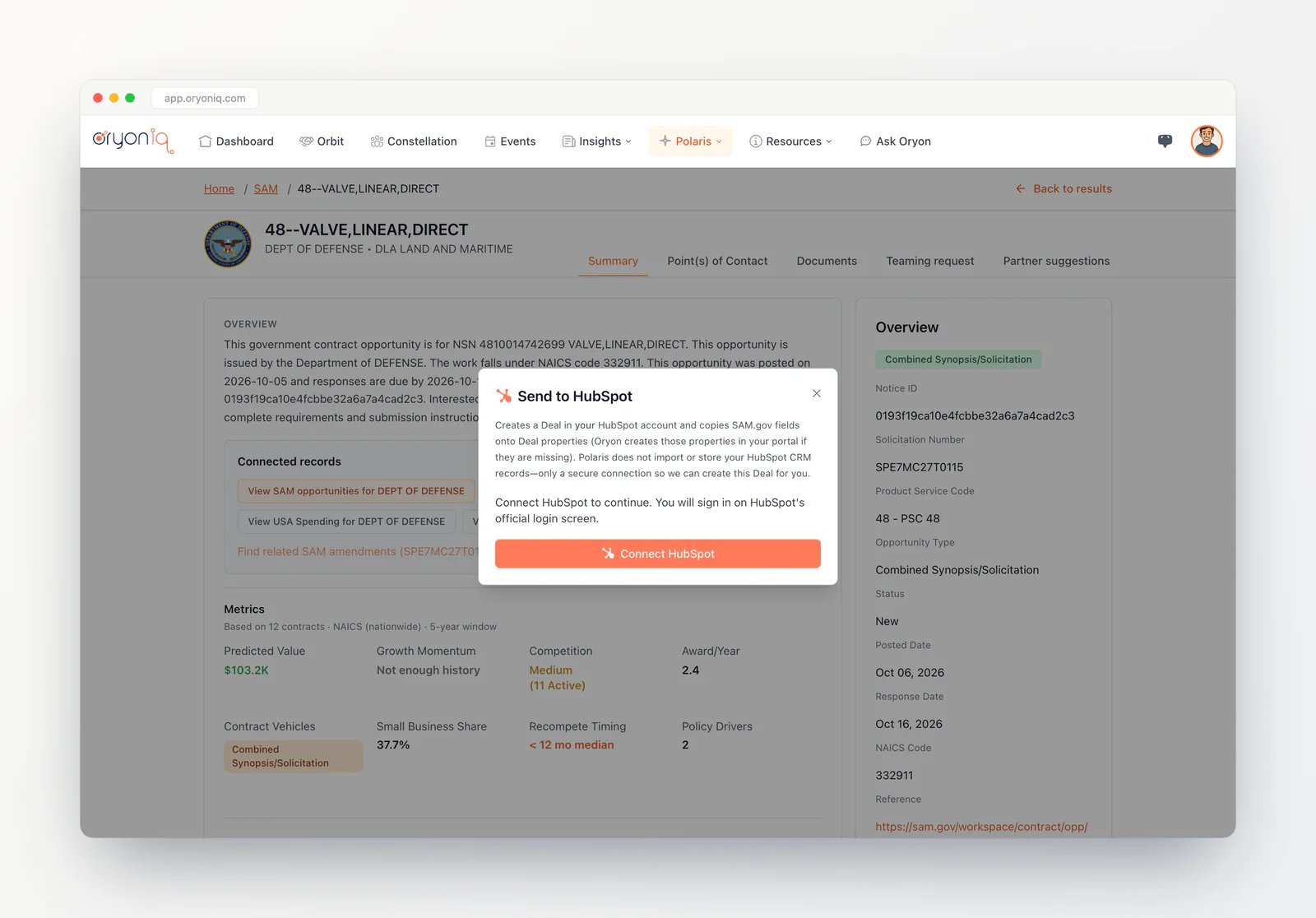
Send to HubSpot window before HubSpot is connected
What does a Deal from OryonIQ contain?
Because the close date is the response deadline, your HubSpot pipeline view lines up with proposal due dates.
Does OryonIQ see my HubSpot data?
No. The integration doesn’t import your HubSpot contacts, companies or Deals into OryonIQ, and nothing flows back from HubSpot. Your CRM records stay in HubSpot, and OryonIQ keeps only a secure connection so it can create the Deals you send.The orange chat bubble at the bottom right of the OryonIQ app is a separate thing. It opens a support chat with the OryonIQ team and isn’t part of your HubSpot connection.
Frequently asked questions
What happens when I select Connect HubSpot in OryonIQ?
OryonIQ sends you to HubSpot’s official login screen. You sign in to the HubSpot account that should receive your Deals, and from then on Send to HubSpot creates Deals there.Does OryonIQ read my HubSpot contacts?
No. OryonIQ doesn’t import or store your HubSpot CRM records, contacts included. The HubSpot connection is used only to create the Deals you send from OryonIQ.Which opportunities can I send to HubSpot from OryonIQ?
You can send opportunities from the OryonIQ SAM.gov, OTA Opportunities, Simplified Acquisitions, Commercial Offerings and State & Local modules. Saved SAM.gov cards in My watchlists have the HubSpot icon too.What close date does OryonIQ set on a HubSpot Deal?
OryonIQ sets the Deal close date to the opportunity’s response deadline. The Deal amount is the award amount, or the predicted value when no award amount is known.Do I have to create the oryon_ properties in HubSpot myself?
No. OryonIQ creates any missingoryon_ Deal properties in your HubSpot portal when it creates a Deal. You only add the “Oryon SAM Opportunity” group under Record customization so the properties show together on the Deal record.
Start with a live notice in SAM.gov, or browse state bids in State & Local.