

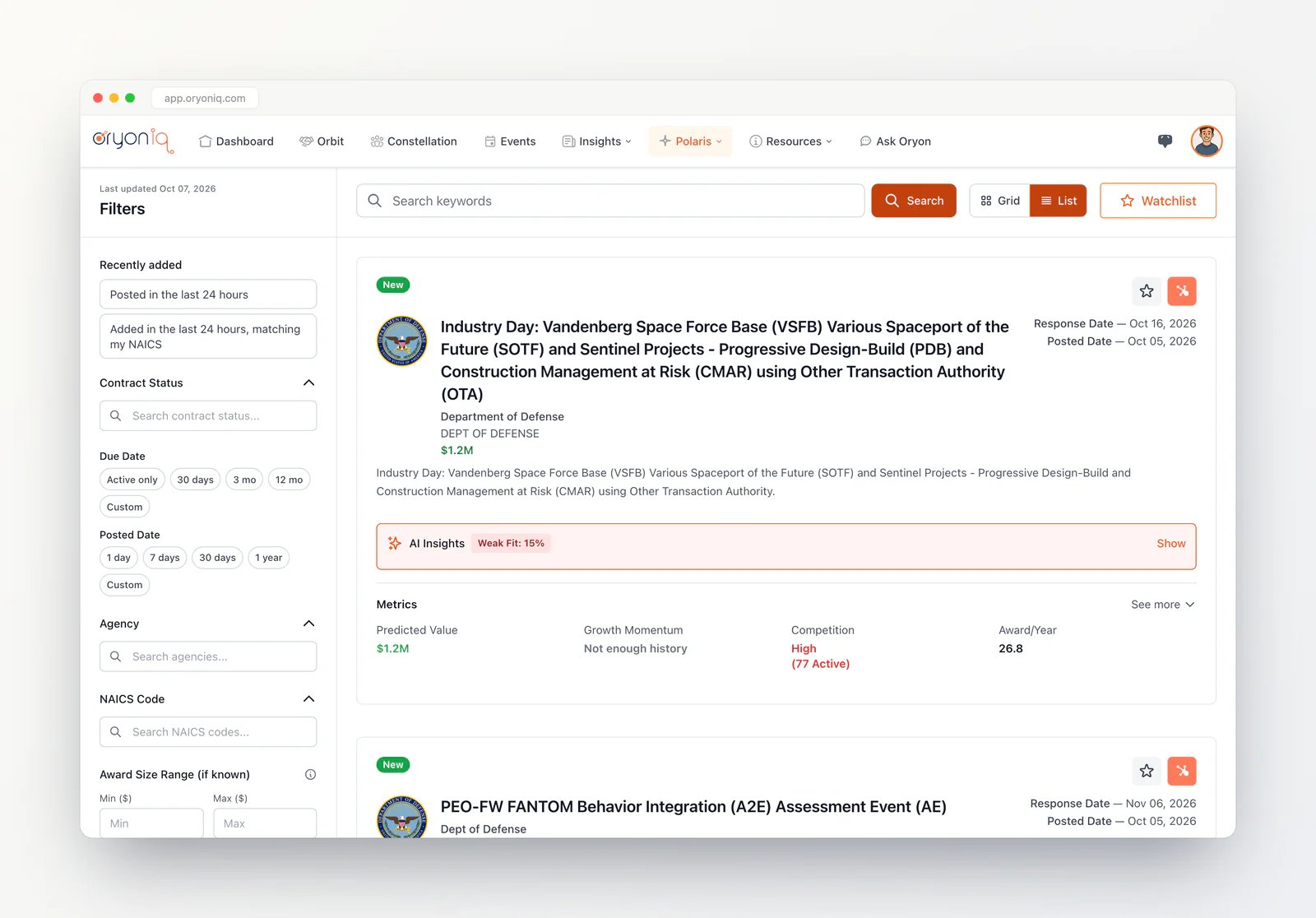
An Industry Day notice that uses Other Transaction Authority
OTA Opportunities follows the SAM.gov plan rules: capped results below Navigator, no cap on Navigator. See Plans and tiers.
What is an Other Transaction opportunity?
Other Transaction (OT) agreements are a contracting route agencies typically use for prototypes and research projects. They sit outside the standard FAR contract rules, which usually means more room to negotiate terms. Many OT awards also go through consortia. A management firm runs the competitions, and member companies bid on the projects. If you’re chasing OT work, you’ll want to know which consortia an agency uses. In the screenshot above, the top results are an Industry Day and an assessment event, both from the Department of Defense. Read each notice to confirm how the agency plans to award, since the authority and the process are spelled out there.How do I work an OTA opportunity?
1
Open the view
Select Polaris in the top navigation, then OTA Opportunities under Live Opportunities.
2
Filter for open work
Pick Active only under Due Date. Then filter by Agency or NAICS Code to match the programs you follow.
3
Open a notice
Select a card to open the detail page. Check the Opportunity Type in the Overview panel, and use the Reference link to read the full notice on sam.gov.
4
Look up related consortia
Under Connected records, select the View OTA consortia button for the agency. It takes you to OTA Consortia, where you can compare consortia by cost to join and tech focus.
5
Save it or send it
Select the star to save the notice, or the orange HubSpot icon to create a Deal in HubSpot.
What carries over from SAM.gov?
All of it. Only the set of notices differs.
For a full walk-through of each filter and field, see SAM.gov.