

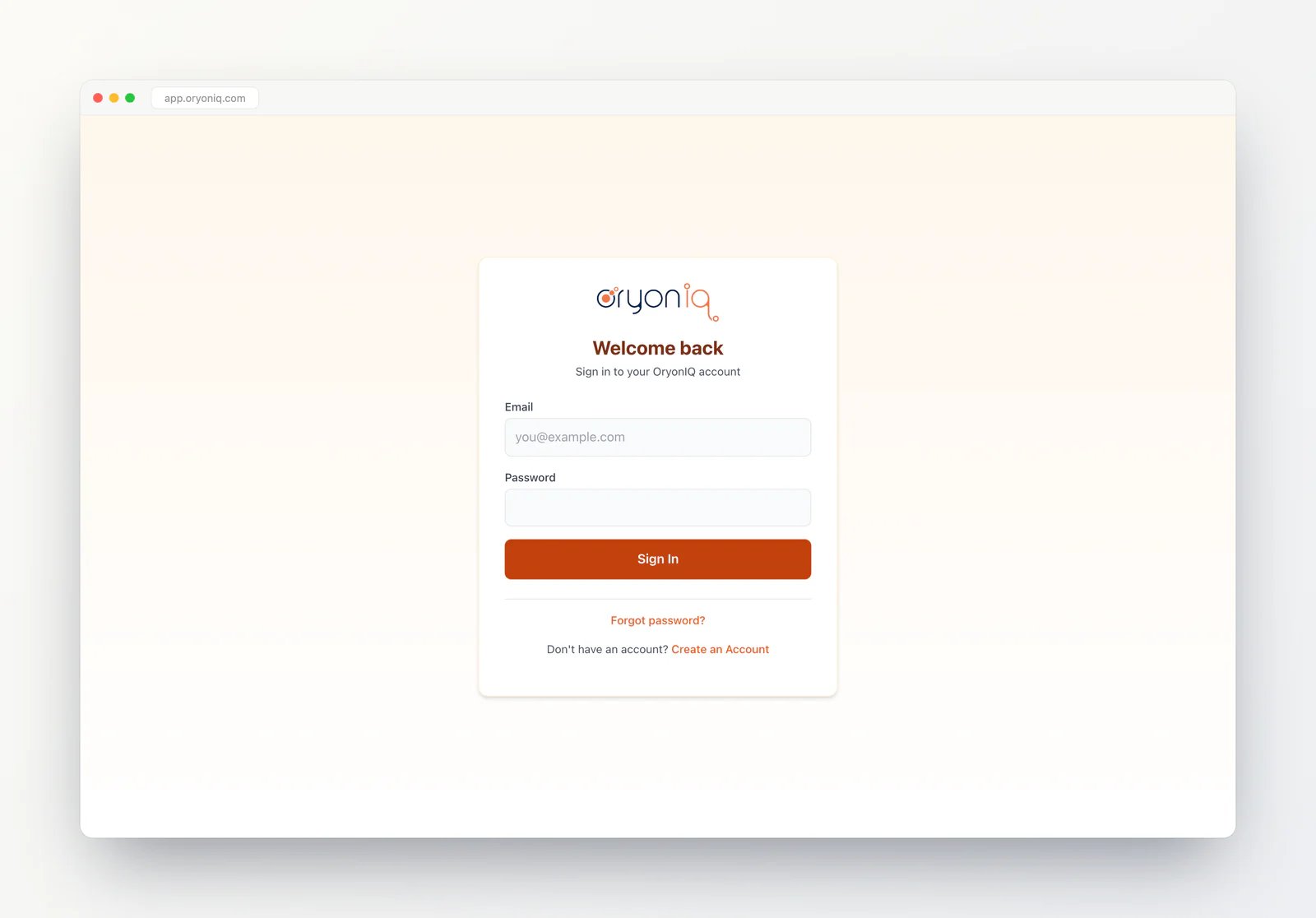
Sign-in screen at app.oryoniq.com
OryonIQ has a free plan, Launchpad, and three paid plans. Your profile shows which one you’re on and links to the upgrade page. See Plans and tiers.
How do I sign in to OryonIQ?
1
Open the sign-in page
Go to app.oryoniq.com. The card reads “Sign in to your OryonIQ account.”
2
Enter your email and password
Type the email you registered with in the Email field and your password in the Password field.
3
Open your dashboard
Select Sign In. OryonIQ opens the Dashboard, with your profile card on the left and watchlist widgets on the right.
What if I forgot my password?
Select the Forgot password? link under the Sign In button to start a password reset.How do I create an OryonIQ account?
Below the sign-in form, next to “Don’t have an account?”, select Create an Account. Once you’re in, fill in your profile. Other members can see it, so it pays to finish it before you send Orbit requests.Set up your profile
Your OryonIQ profile tells other members who you are and what your company does. Open it with Edit on your dashboard profile card, or select your avatar at the top right and choose Settings.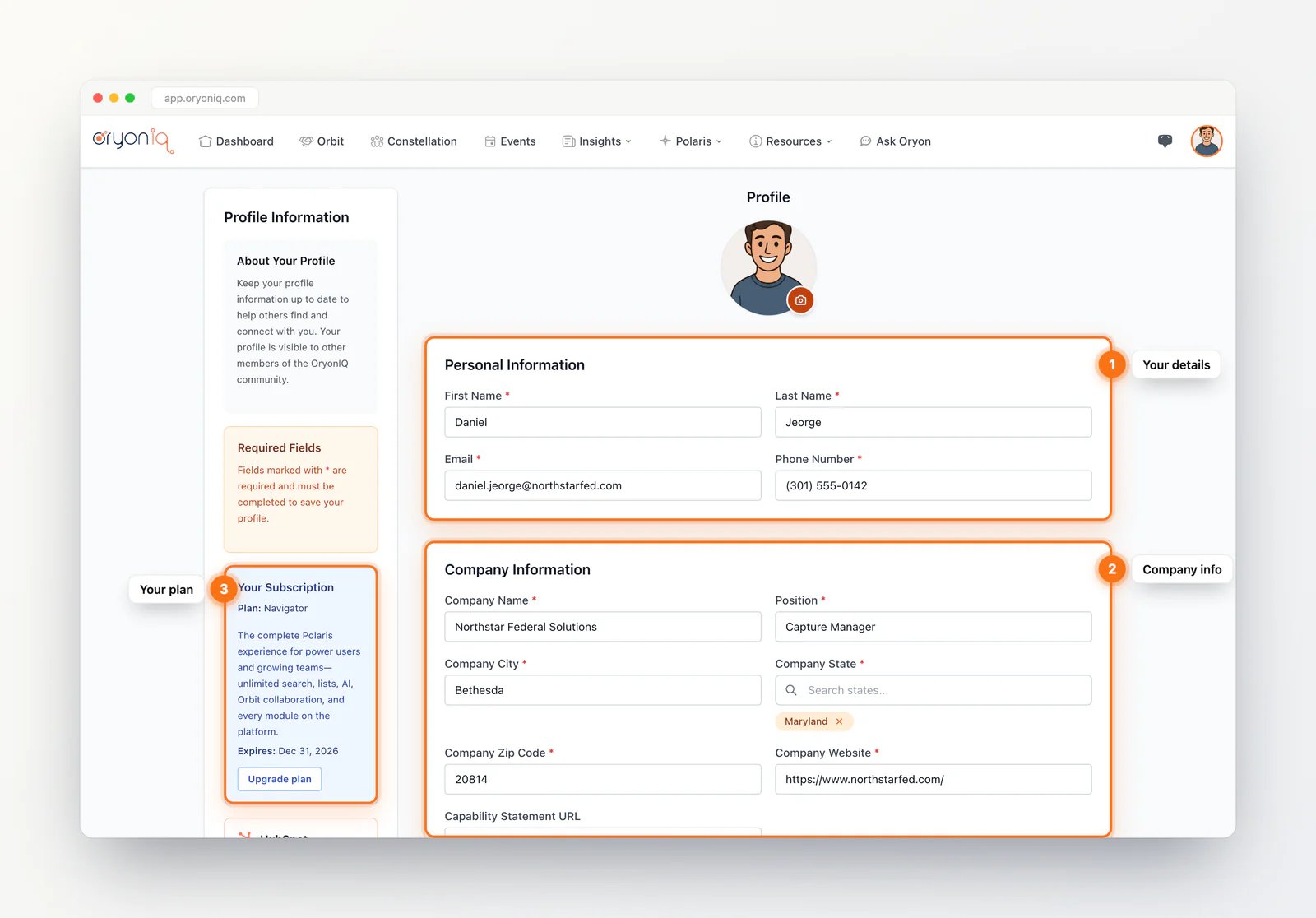
Profile form with your plan in the left column
Personal Information
Personal Information
First Name, Last Name, Email and Phone Number. All four are required.
Company Information
Company Information
Company Name, Position, Company City, Company State, Company Zip Code and Company Website are required. Capability Statement URL is optional and gives members a direct link to your capability statement.
Professional Links
Professional Links
Personal LinkedIn is required and Company LinkedIn is optional. The personal field already includes the linkedin.com/in/ address, so you add only your handle.
NAICS Codes
NAICS Codes
Pick a Primary NAICS Code (required) and any Secondary NAICS Codes. Search in the box, choose a code from the list, and it appears as a chip you can remove with its x.
Further sections
Further sections
Lower on the form, more sections cover your business, such as your designations. Fill in whatever applies to your company.