

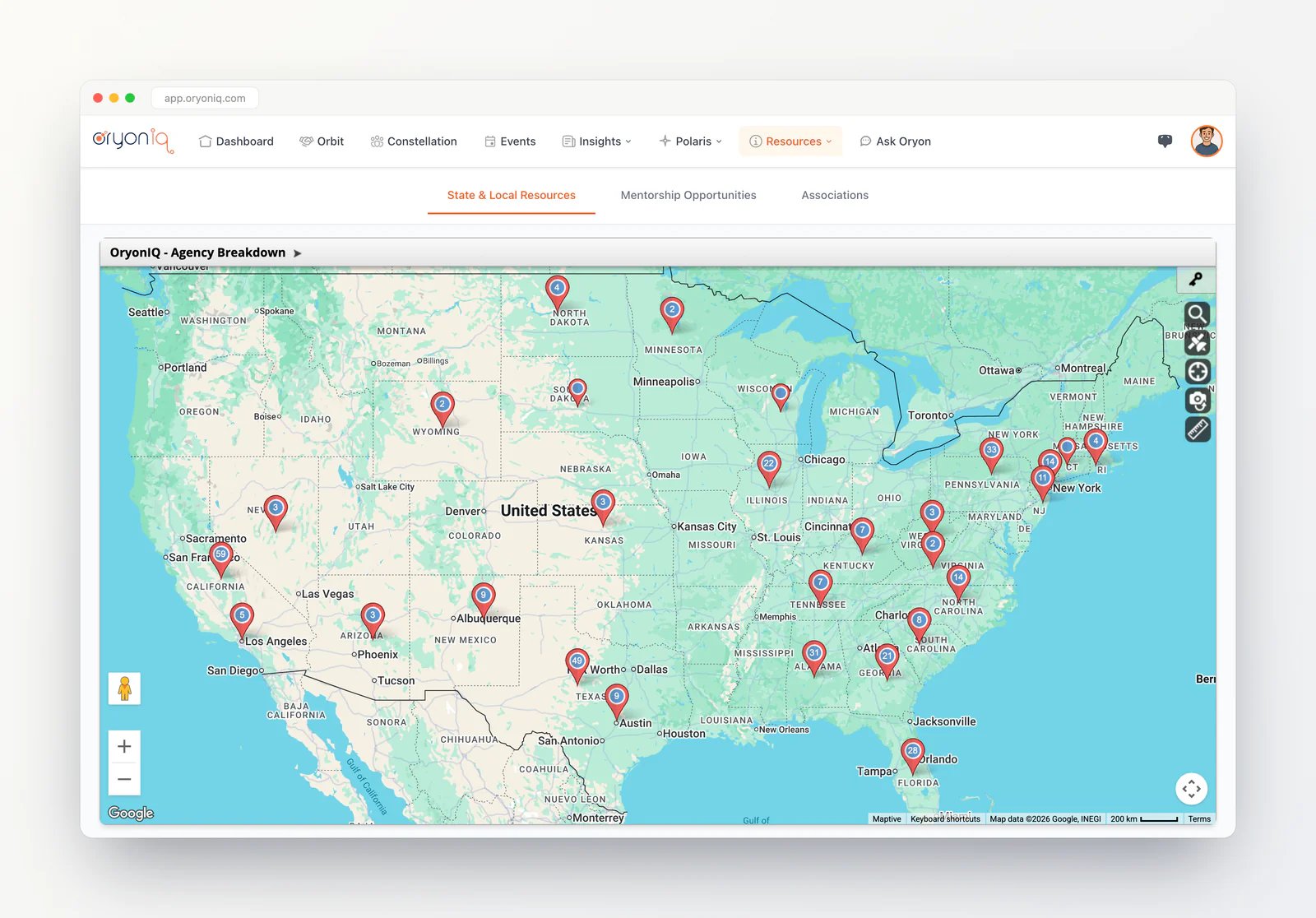
State & Local Resources, with pins clustered by state
The GovAssociations Map appears on the Pioneer plan card and comes with every plan above it. See Plans and tiers.
How do I open the OryonIQ Map?
Select Resources in the top navigation, then Map. The menu describes it as “Visualize markets and identify opportunities.” Your Dashboard has a second way in. The Local & State Resources section has two tiles, GovCon Assistance Centers and PTAC / APEX Locations, and both lead to the map. See Dashboard.What’s on each OryonIQ Map tab?
Each tab shows a different list, named in the bar above the map.State & Local Resources
The map opens on this tab. Pins cluster by area, and the number on a cluster tells you how many locations it holds. States with dense clusters stand out, which helps when you plan a state and local push.Mentorship Opportunities
This tab plots mentorship and resource locations nationwide, with pins as far out as Alaska and Hawaii. If you’re new to GovCon, start here to find mentorship near your office.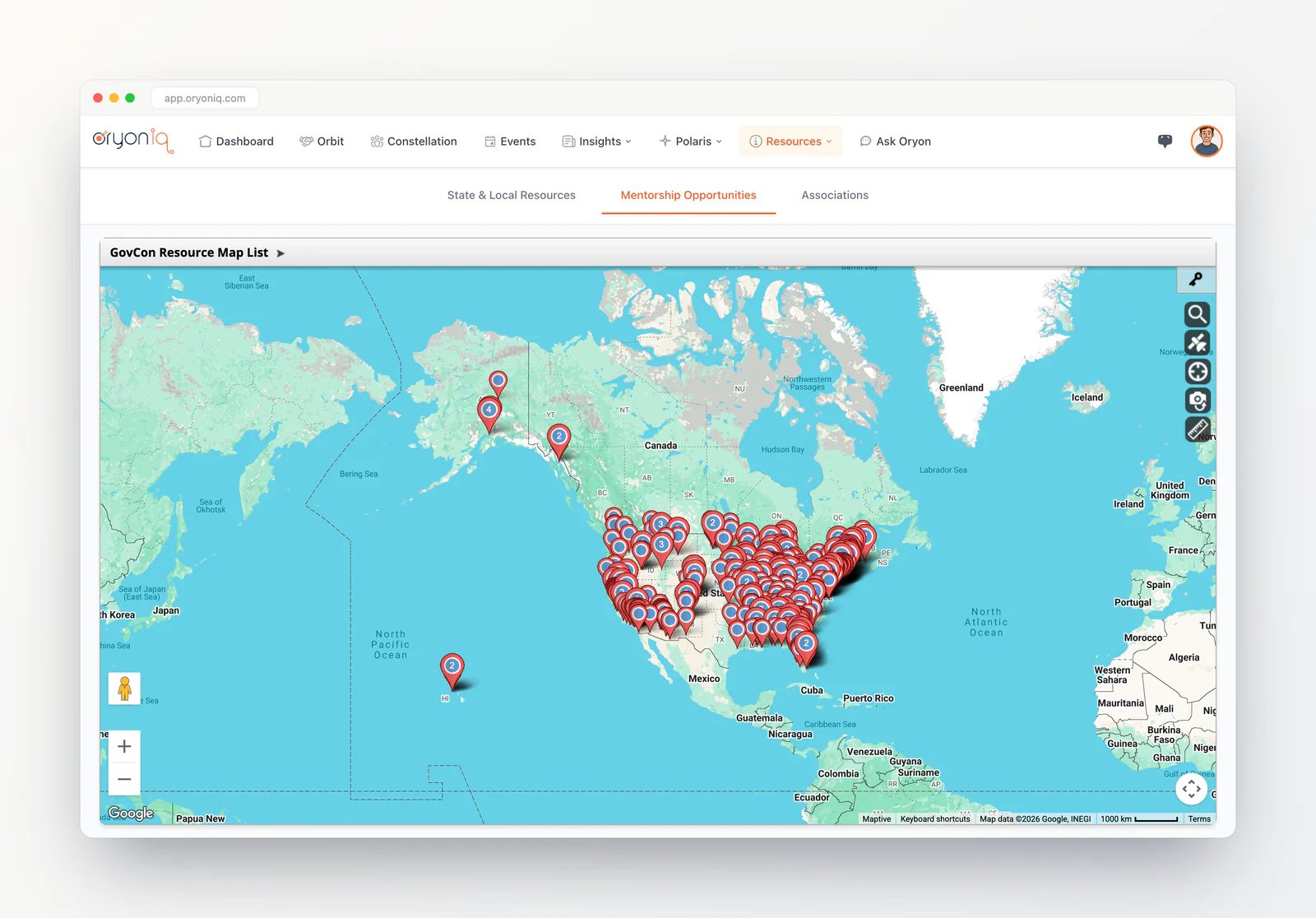
Mentorship Opportunities, zoomed out to the whole country
Associations
The Associations tab shows OryonIQ Registered Associations and Networking groups. Joining a local chapter is a common way to meet primes and future teaming partners in person.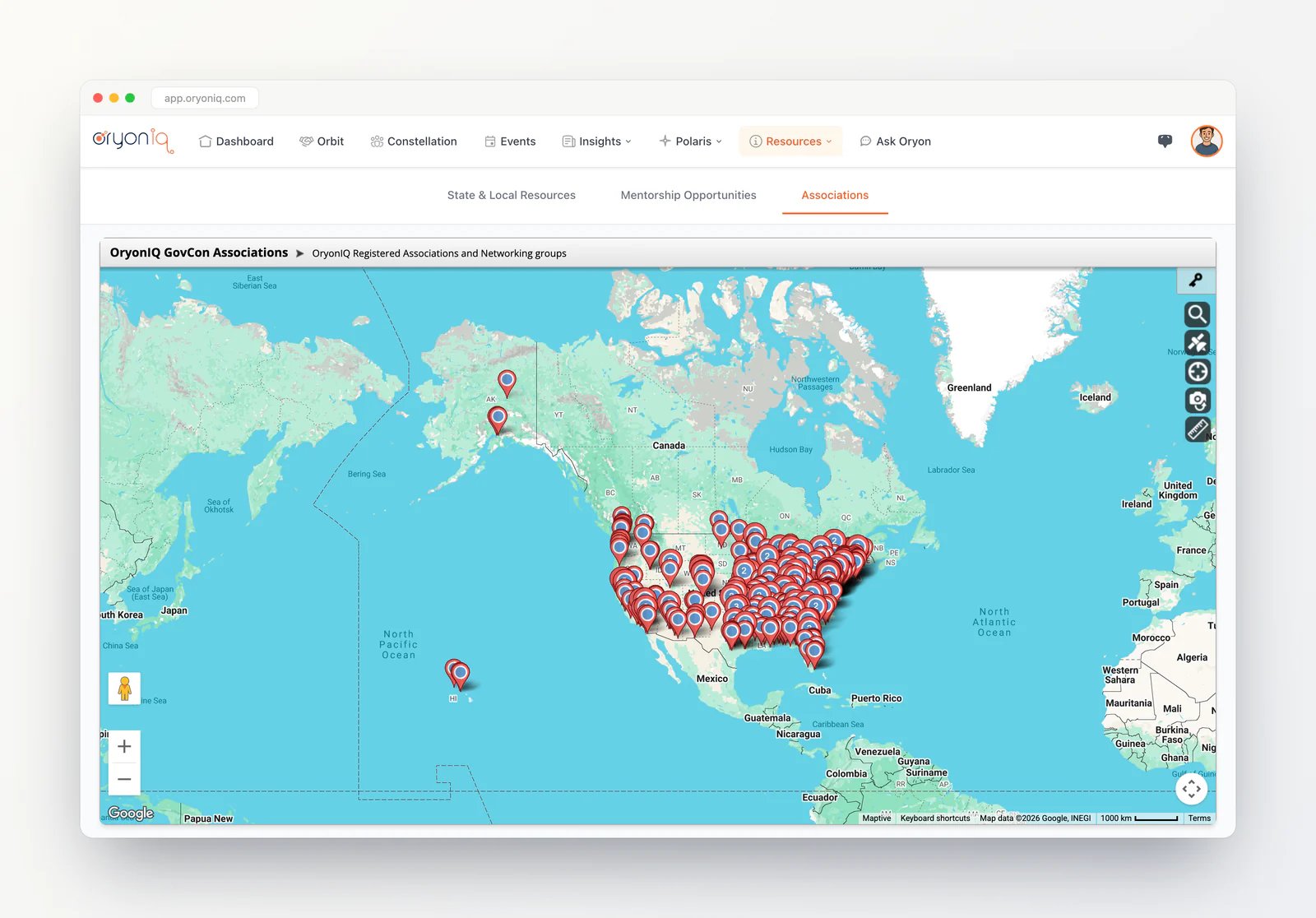
Registered associations and networking groups
How do I use the OryonIQ Map?
1
Pick a tab
Select State & Local Resources, Mentorship Opportunities or Associations at the top of the page.
2
Zoom to your area
Use the plus and minus buttons at the bottom left. A number on a pin shows how many locations are grouped there, so zoom in to separate them.
3
Open the list
The list name sits in the bar above the map. Select the arrow next to it to open the side list panel.
4
Use Street View
Drag the person icon at the bottom left onto the map to open Street View for that spot.