

Commercial Offerings with a Commercial Solutions Opening at the top
Result caps here match the rest of Polaris: a set number per list and search on lower plans, all results on Navigator. See Plans and tiers.
What counts as a commercial offering?
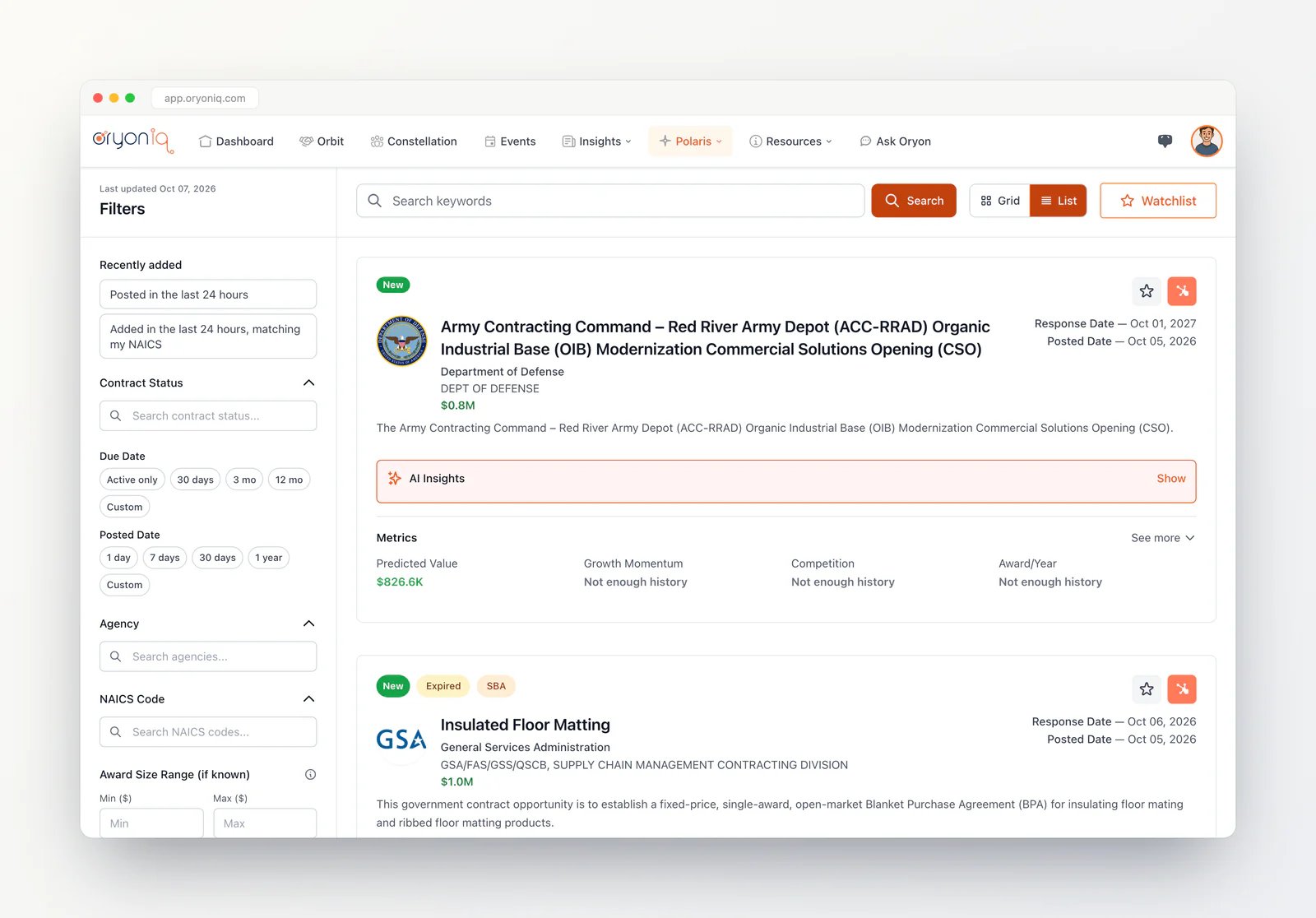
In federal buying, commercial products and services are ones sold to the general public, not built to a government spec. Agencies typically buy them under FAR Part 12, which uses commercial-style terms and a lighter process than a custom development contract. You’ll see a mix of notice types here. The screenshot above shows an Army Commercial Solutions Opening (CSO), which is a DoD method for buying new commercial technology, next to a GSA notice for a blanket purchase agreement on floor matting. Read each notice to confirm how the agency plans to buy.How do I find federal buyers for my product?
1
Open the view
Select Polaris in the top navigation, then Commercial Offerings under Live Opportunities.
2
Search for what you sell
Type a product or service name in Search keywords and select Search.
3
Narrow by buyer and size
Set NAICS Code to the code you sell under, and pick the agencies you target under Agency. Use Award Size Range (if known) to skip buys outside your range.
4
Check the details
Open a notice and look at the Product Service Code and Opportunity Type in the Overview panel. The Reference link opens the full notice on sam.gov.
5
Save or send it
Select the star to save the notice to the Commercial Offerings tab in My watchlists. Or select the orange HubSpot icon to create a Deal through HubSpot.
Commercial Offerings filter reference
Recently added
Recently added
Two quick options: “Posted in the last 24 hours” and “Added in the last 24 hours, matching my NAICS.”
Due Date and Posted Date
Due Date and Posted Date
Due Date has Active only, 30 days, 3 mo, 12 mo and Custom. Posted Date has 1 day, 7 days, 30 days, 1 year and Custom.
Contract Status and Set-Aside Type
Contract Status and Set-Aside Type
Both are searchable lists. Use Set-Aside Type to keep only the small business programs you qualify for.
Agency and NAICS Code
Agency and NAICS Code
Searchable lists for the buyers and industry codes you care about.
Award Size Range (if known)
Award Size Range (if known)
Enter a Min ($) and Max ($) to keep notices within the contract size you can handle.