

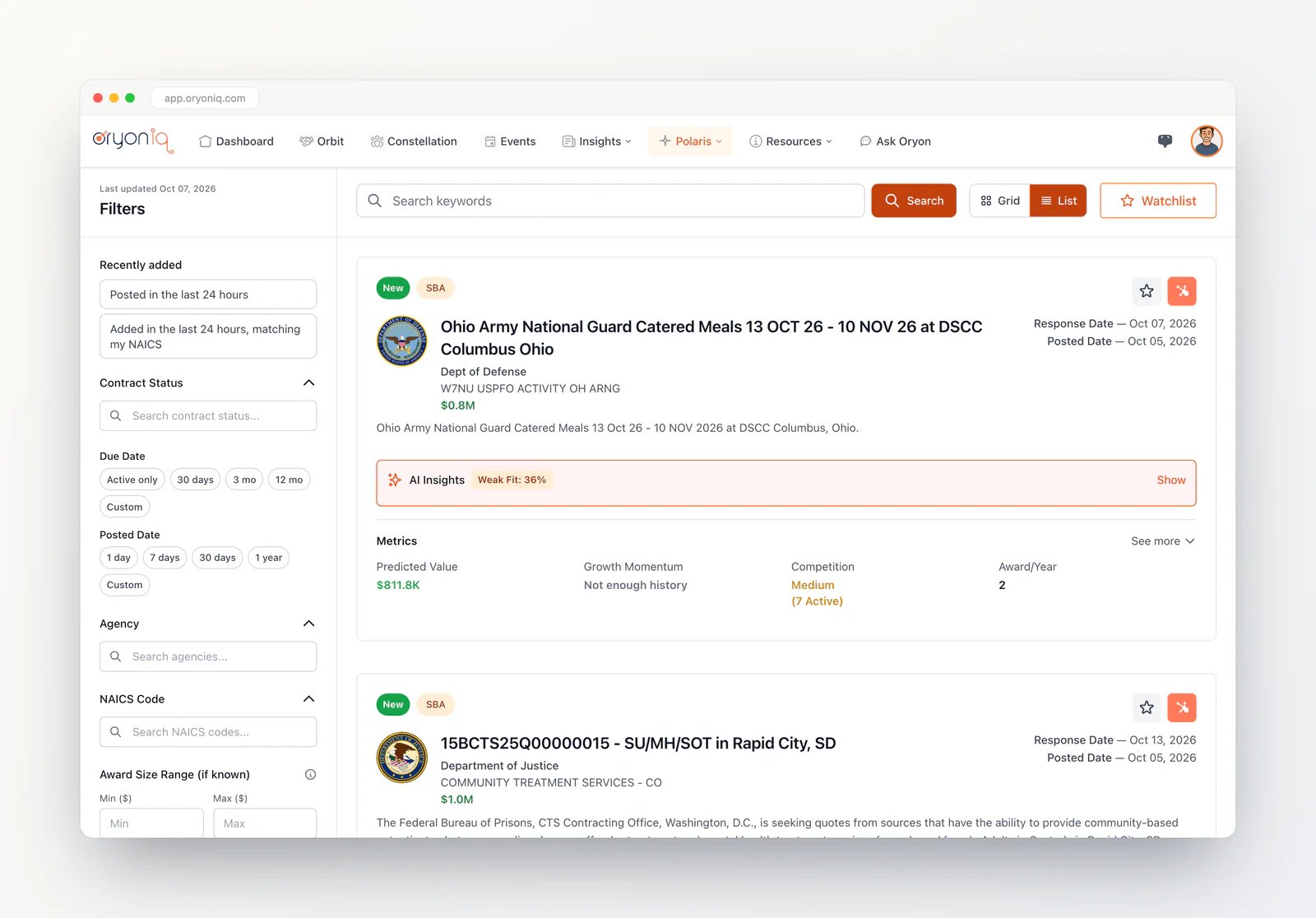
Simplified Acquisitions, with SBA set-aside notices at the top
Every plan can open Simplified Acquisitions. Navigator shows every matching notice, and other plans show a capped number per list and search. See Plans and tiers.
What is a simplified acquisition?
Simplified acquisition procedures are the lighter buying rules in FAR Part 13. Agencies typically use them for smaller purchases, so the paperwork is shorter and decisions come faster than on a full-scale competition. Many of these buys are requests for quotes rather than full proposals. For small businesses, these smaller buys are a common first step into federal work. Purchases in this range are typically set aside for small businesses, and the set-aside chip on each card tells you which program applies. Response windows can be short, so check the Response Date before anything else. Every notice spells out its own rules. Open it and read the solicitation on sam.gov to confirm the procedure and the due date.How do I check new simplified acquisitions each day?
1
Open the view
Select Polaris in the top navigation, then Simplified Acquisitions under Live Opportunities.
2
Show what's new
Under Recently added, pick “Posted in the last 24 hours.” If your NAICS codes are on your profile, try “Added in the last 24 hours, matching my NAICS” instead.
3
Filter by set-aside
Use Set-Aside Type to keep only the programs you qualify for, such as WOSB or 8(a).
4
Open and qualify
Select a card. Check the Response Date and the Set Aside(s) field in the Overview panel, then use the Reference link to read the full notice on sam.gov.
5
Track it
Select the star to save the notice to the Simplified Acquisitions tab in My watchlists, or the orange HubSpot icon to create a Deal.
What’s on each card?
The detail page is the same as in SAM.gov, with Connected records, Metrics, Teaming request and Partner suggestions. SAM.gov covers each section in full.